
Writing pseudocode for data analysis
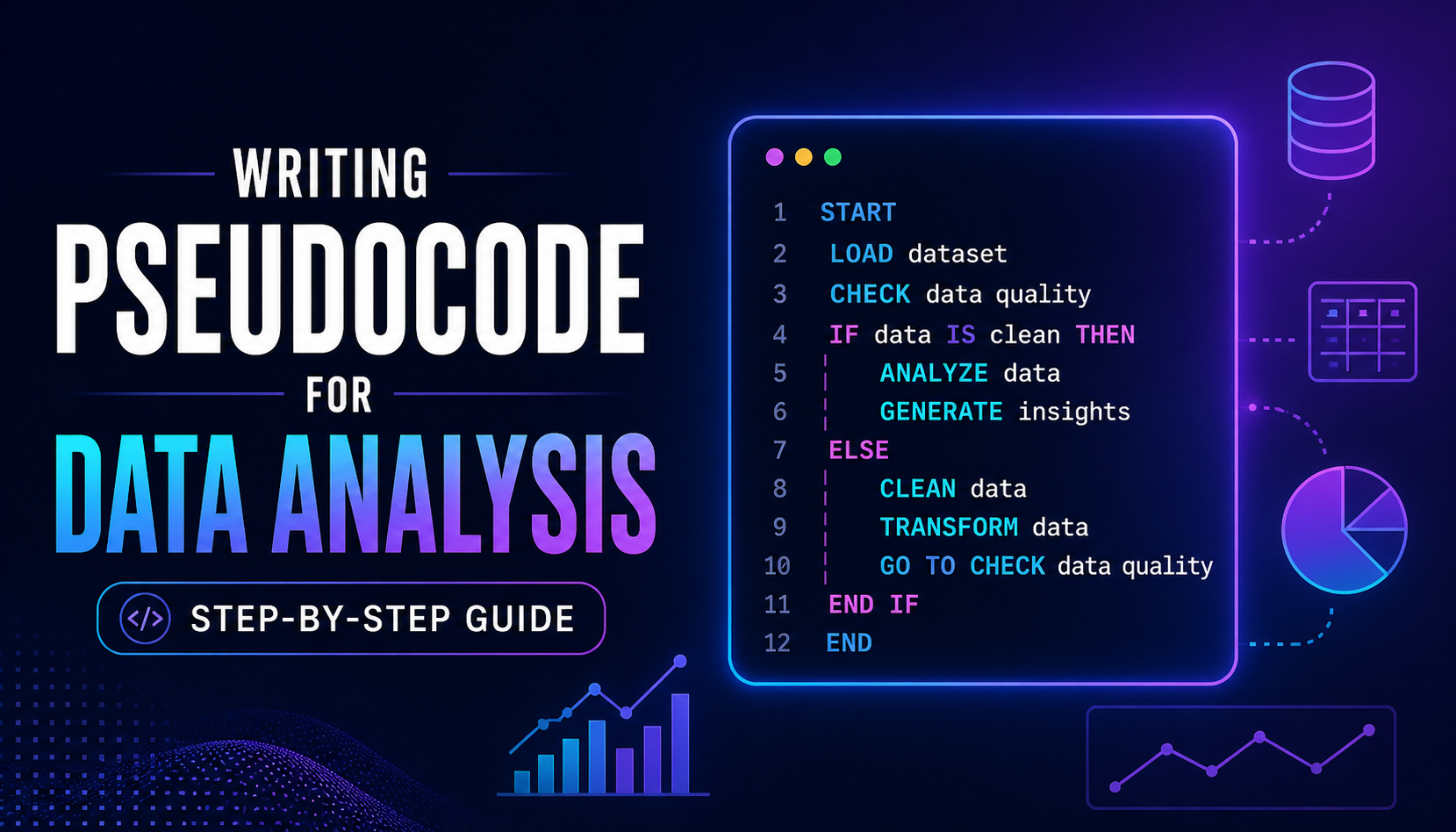
Most beginners open their editor, stare at a blank file, and then spend two hours writing code that doesn't do what they thought it would. There's a faster way of doing it.
A beginner tries solving a data task by jumping straight into coding, only to realize later they solved the wrong problem.
The issue isn’t coding skill, but a lack of thinking through the logic first.
Using pseudocode helps clarify the approach before writing code and avoids this mistake.
So what actually is pseudocode?
Pseudocode is a plain-English description of what you want your code to do, written in a structured way half sentence, half recipe. It's not actual code, so it doesn't need to be perfect. Think of it like sketching a floor plan before building a house.
Why bother?
Clarify your thinking
Spot gaps in your logic before writing any code.
Easy to change
Revising a few sentences beats rewriting 50 lines of Python.
Easier to share
A colleague can review your plan without knowing Python.
Becomes comments
Your pseudocode lines turn directly into code comments.
How to actually write it, in 5 steps.
The do's and don'ts
def, import, print(), etc.How detailed should it be?
There's no single right answer , aim for the level of detail where someone else could follow your plan without guessing. A useful test: could a colleague read this and check whether it will produce the right result? If yes, you're done. If they'd have to make assumptions, add a bit more.
For most data analysis tasks, 5–10 numbered lines is plenty.
Example 1 , computing a discount price
d = p * r
fp = p - d
return fp
1. discount = price × rate
2. final price = price − discount
3. return final price
Example 2 , finding rows above a threshold
1. Create an empty list called "flagged rows"
2. For each row in sales data:
2.1 If the "revenue" value is greater than threshold:
2.1.1 Add that row to "flagged rows"
3. Return "flagged rows"
Example 3 , computing a column average
1. Extract all values from the column called "column name"
2. Remove any missing or blank values
3. Compute the sum of the remaining values
4. Divide sum by the count of remaining values
5. Return the result
Example 4 , monthly sales report from a CSV
date, product, region, units sold, unit price. Your manager wants total revenue per region per month, with any months where revenue dropped more than 20% from the previous month flagged for review.
1. Load the CSV file into a table called "sales data"
2. Remove any rows where "units sold" or "unit price" is missing
3. Add a new column "revenue" = units sold × unit price
4. Add a new column "month" by extracting year and month from "date"
5. Group "sales data" by region and month
5.1 For each group, compute total revenue → call it "monthly revenue"
6. For each region:
6.1 Sort that region's rows by month (oldest first)
6.2 For each month after the first:
6.2.1 Compute the % change from the previous month's revenue
6.2.2 If the change is less than −20%, mark row as "needs review"
7. Return the summary table, sorted by region then month
Quick reference template
PROCEDURE name(inputs):
1. First action
2. Second action
3. For each item in a list:
3.1 Do something with that item
3.2 If some condition is true:
3.2.1 Do something else
4. Return result
# Rules: plain English · indent loops · name things clearly · no code syntax